

What is the OSI Model?#
The OSI (Open Systems Interconnection) model is a conceptual framework that describes how data moves across a network in 7 layers. Each layer has a specific job and communicates with the layers directly above and below it.
You don’t need to memorize every detail, but understanding which layer a problem lives at makes troubleshooting dramatically faster.
The 7 Layers at a Glance#
| Layer | Name | Data Unit | Key Function |
|---|---|---|---|
| 7 | Application | Data | User-facing protocols (HTTP, DNS, SSH) |
| 6 | Presentation | Data | Encoding, encryption, compression |
| 5 | Session | Data | Connection management, sessions |
| 4 | Transport | Segment/Datagram | End-to-end delivery (TCP, UDP) |
| 3 | Network | Packet | Routing and IP addressing |
| 2 | Data Link | Frame | Local network delivery (MAC addresses) |
| 1 | Physical | Bits | Electrical signals, cables, radio |
A common mnemonic: Please Do Not Throw Sausage Pizza Away (layers 1–7).
Layer 1 — Physical#
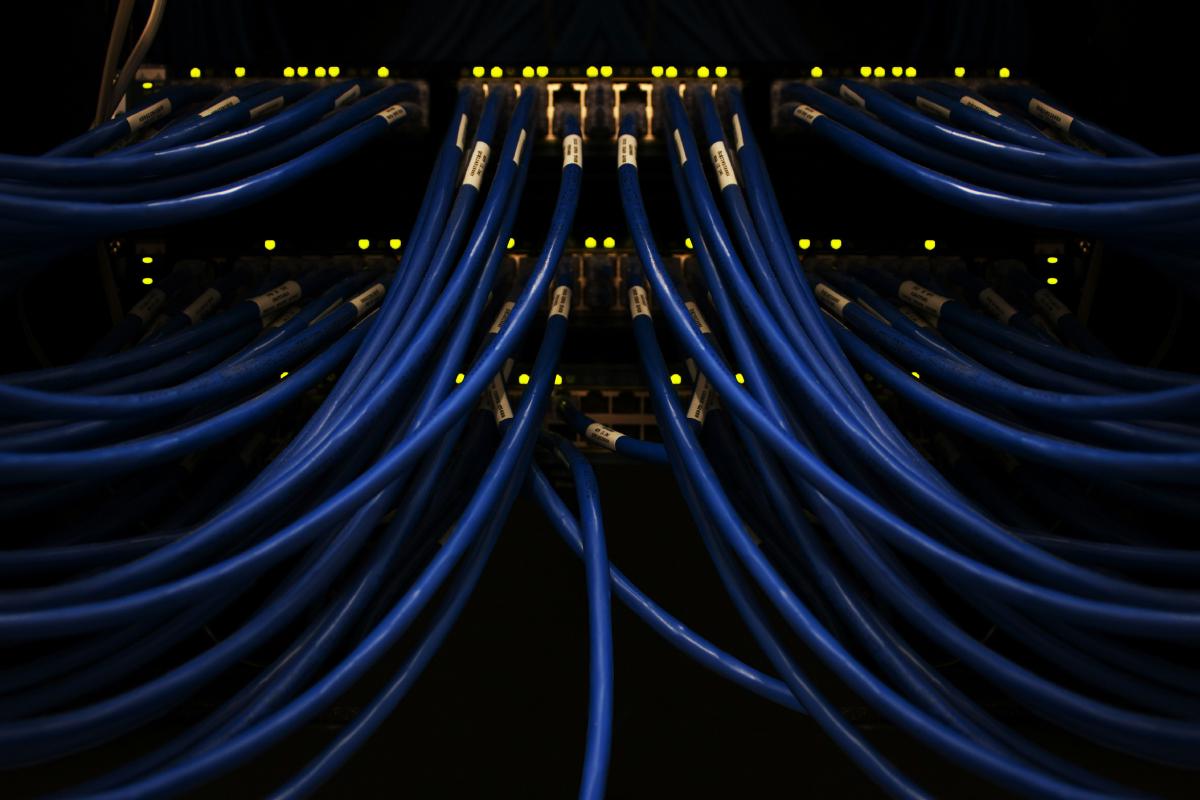
The physical medium that carries signals between devices.
What lives here:
- Ethernet cables (Cat5e, Cat6)
- Fiber optic
- Wi-Fi radio signals
- Network interface cards (NICs)
- Hubs and repeaters
Troubleshooting at Layer 1:
# Check if the network interface is up
ip link show

# Check cable connection status
ethtool eth0 | grep "Link detected"

# Wi-Fi signal strength
iwconfig wlan0
Common problems: Unplugged cables, damaged connectors, interference on wireless, faulty NICs.
Layer 2 — Data Link#
Handles communication between devices on the same local network using MAC addresses. Splits into two sub-layers:
- LLC (Logical Link Control) — flow control and error detection
- MAC (Media Access Control) — hardware addressing
What lives here:
- Switches
- MAC addresses
- ARP (Address Resolution Protocol)
- Ethernet frames
- VLANs
Troubleshooting at Layer 2:
# View MAC address of your interfaces
ip link show

# View the ARP table (IP → MAC mappings)
ip neigh show

# Check for ARP resolution
arping -I eth0 192.168.1.1

# View VLAN configuration
cat /proc/net/vlan/config
Common problems: MAC address conflicts, ARP table issues, switch port misconfiguration, VLAN mismatches.
Layer 3 — Network#
Handles routing packets between different networks using IP addresses. This is where data can cross network boundaries.
What lives here:
- IP addresses (IPv4, IPv6)
- Routers
- ICMP (ping, traceroute)
- Subnets and CIDR
- Routing tables
- NAT
Troubleshooting at Layer 3:
# Check IP address configuration
ip addr show

# View routing table
ip route show

# Test connectivity to a host
ping -c 4 8.8.8.8

# Trace the path packets take
traceroute 8.8.8.8
# or
mtr 8.8.8.8

# Check if a specific route exists
ip route get 10.0.0.1
Common problems: Wrong IP/subnet, missing routes, firewall blocking ICMP, NAT misconfiguration.
Layer 4 — Transport#
Provides end-to-end communication between applications on different hosts. Handles reliability and flow control.
Two main protocols:
| Protocol | Type | Use Case |
|---|---|---|
| TCP | Connection-oriented, reliable | HTTP, SSH, email, file transfer |
| UDP | Connectionless, fast | DNS, video streaming, gaming, VoIP |
TCP connection flow (three-way handshake):
Client → SYN → Server
Client ← SYN-ACK ← Server
Client → ACK → Server
(connection established)
Troubleshooting at Layer 4:
# Check if a port is open and listening
ss -tlnp
ss -ulnp

# Test TCP connectivity to a specific port
nc -zv example.com 443

# View active connections
ss -tunap

# Check for dropped packets or connection issues
netstat -s | grep -i error

# Capture TCP handshake
sudo tcpdump -i eth0 'tcp[tcpflags] & (tcp-syn|tcp-ack) != 0' -c 20
Common problems: Port not listening, firewall rules, connection timeouts, TCP retransmissions, port exhaustion.
Layer 5 — Session#
Manages sessions between applications — establishing, maintaining, and terminating connections.
What lives here:
- Session establishment and teardown
- Authentication handshakes
- TLS/SSL session resumption
- RPC sessions
- NetBIOS
In practice, this layer is often merged with Layers 6 and 7 in modern networking (TCP/IP model combines them).
Troubleshooting at Layer 5:
# Check TLS session details
openssl s_client -connect example.com:443 -sess_out /tmp/session.pem

# View established sessions
ss -o state established
Common problems: Session timeouts, authentication failures, TLS handshake errors.
Layer 6 — Presentation#
Handles data formatting so that applications can understand each other. Deals with encoding, encryption, and compression.
What lives here:
- TLS/SSL encryption
- Character encoding (UTF-8, ASCII)
- Data serialization (JSON, XML, protobuf)
- Compression (gzip, brotli)
- Image formats (JPEG, PNG)
Troubleshooting at Layer 6:
# Check TLS certificate and protocol version
openssl s_client -connect example.com:443 </dev/null 2>/dev/null | openssl x509 -noout -dates -subject

# Test TLS with a specific version
openssl s_client -connect example.com:443 -tls1_3

# Check what compression/encoding a server supports
curl -sI -H "Accept-Encoding: gzip, br" https://example.com | grep -i content-encoding
Common problems: Certificate errors, unsupported TLS versions, encoding mismatches, expired certs.
Layer 7 — Application#
The layer closest to the user. Provides network services directly to applications.
What lives here:
- HTTP/HTTPS
- DNS
- SSH
- FTP/SFTP
- SMTP, IMAP, POP3
- DHCP
- SNMP
Troubleshooting at Layer 7:
# Test HTTP response
curl -I https://example.com

# Check DNS resolution
dig example.com +short

# Test SSH connectivity
ssh -v user@host

# Test SMTP
nc -zv mail.example.com 25

# Inspect HTTP headers and timing
curl -w "\nDNS: %{time_namelookup}s\nConnect: %{time_connect}s\nTLS: %{time_appconnect}s\nTotal: %{time_total}s\n" -o /dev/null -s https://example.com
Common problems: Misconfigured services, DNS failures, authentication issues, application bugs, 4xx/5xx HTTP errors.
Encapsulation: How Data Flows Down the Stack#
When you send data, each layer wraps it with its own header:
Application:   [Data]
Transport:     [TCP Header][Data]
Network:       [IP Header][TCP Header][Data]
Data Link:     [Frame Header][IP Header][TCP Header][Data][Frame Trailer]
Physical:      01101001011010...
On the receiving end, each layer strips its header and passes the payload up.
OSI vs TCP/IP Model#
The TCP/IP model is what’s actually implemented. It simplifies OSI into 4 layers:
| TCP/IP Layer | OSI Layers | Protocols |
|---|---|---|
| Application | 5, 6, 7 | HTTP, DNS, SSH, TLS |
| Transport | 4 | TCP, UDP |
| Internet | 3 | IP, ICMP |
| Network Access | 1, 2 | Ethernet, Wi-Fi, ARP |
The OSI model is useful for understanding concepts; the TCP/IP model reflects how things actually work.
Troubleshooting Strategy: Bottom Up#
When diagnosing network issues, start at Layer 1 and work up:
# Layer 1: Is the interface up?
ip link show eth0

# Layer 2: Can we reach the gateway's MAC?
arping -c 2 192.168.1.1

# Layer 3: Can we route to the destination?
ping -c 4 8.8.8.8

# Layer 4: Is the port reachable?
nc -zv example.com 443

# Layer 7: Does the application respond?
curl -I https://example.com
If ping works but curl doesn’t, the problem is above Layer 3. If the link is up but ping fails, focus on Layer 2/3. This approach eliminates variables systematically.
Best Practices#
- Troubleshoot bottom-up — confirm each layer before moving to the next
- Use
tcpdumpor Wireshark when you need to see exactly what’s on the wire - Learn the difference between TCP and UDP issues — TCP problems show retransmissions, UDP problems show packet loss silently
- Remember that most real-world issues live at Layers 3, 4, and 7
- Document your network topology — knowing the path packets take saves hours of debugging